 Tursina Labs
S3 Migration Tools
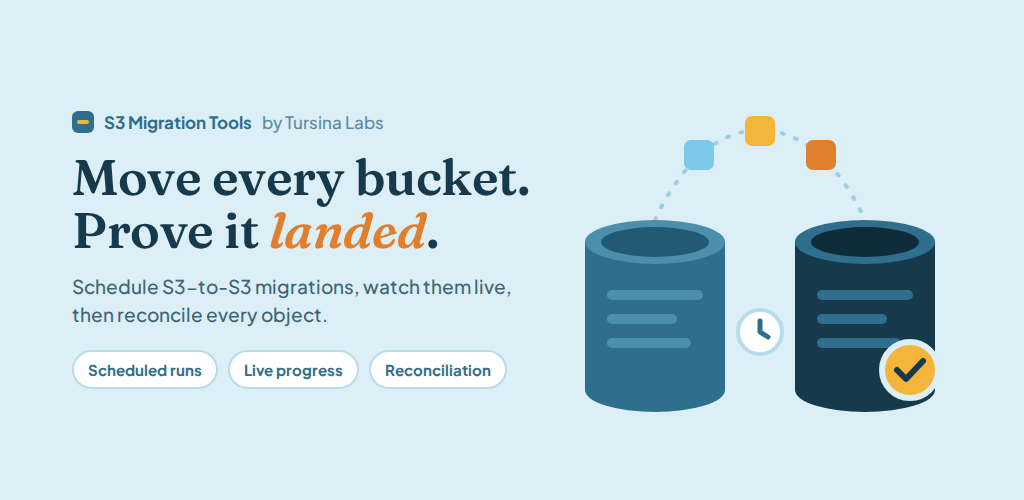
Move every bucket. Prove it landed.
What it does
- Schedules S3-to-S3 migrations with cron-like automation for backups and ongoing sync
- Streams live progress, detailed logs, and metrics while a job runs
- Reconciles source and destination so you can verify every object after transfer
- Runs the same workflow on Windows, Linux, or Docker with a React dashboard and SQLite persistence
- Connects AWS S3 and other S3-compatible endpoints (MinIO, Wasabi, and similar) with tested credentials
Who it's for
- DevOps engineers managing cloud infrastructure
- Organizations migrating between cloud providers
- Teams that need scheduled, auditable bucket moves—not one-off scripts
Key Features
Real-time monitoring with live updates, logs, and a metrics dashboard
Scheduled migrations with cron-like automation
Data reconciliation to verify every file transferred correctly
Multi-platform support: Windows, Linux, and Docker
Enterprise security: credential management, encrypted transfers, audit logging
Performance optimized: multi-threaded transfers, bandwidth limiting, smart retries
Frequently Asked Questions
How long does migration take?
Migration time depends on data volume and network speed. The tool optimizes transfers using parallel processing to minimize time.
Will there be downtime?
The tool is designed to minimize downtime. You can schedule migrations for low-traffic periods and watch progress live.
Is my data secure during migration?
Yes, transfers use encrypted connections. Credentials stay under your control, and the tool does not keep a copy of your objects.
Can I resume a failed migration?
Yes. Smart retry logic and reconciliation help you continue and prove what still needs to land.
Which S3-compatible services are supported?
AWS S3, MinIO, Wasabi, DigitalOcean Spaces, Backblaze B2, and other S3-compatible endpoints.
Ready to get started?
Get S3 Migration Tools from GitHub Releases or Docker Hub.